Free stencil maker › Spray paint stencil
Spray Paint Stencil Maker
Turn a photo into a cut-ready spray paint stencil in the classic street-art style. Solid mode makes clean black shapes and warns you about pieces that would fall out. Free, no sign-up, nothing uploaded.
- Free & unlimited
- No sign-up
- No watermark
- Nothing uploaded
or drag & drop it here, or paste with Ctrl+V
More options
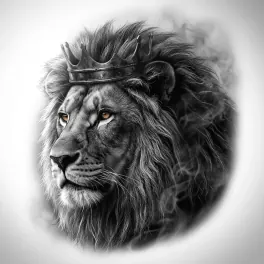
Saved! For portraits, fur and shading, Stencil AI turns the same photo into clean linework and hatching.
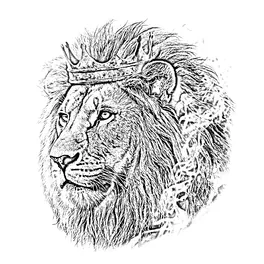
Too sketchy? Stencil AI redraws the same photo as clean, tattoo-ready lines.
🔒 Runs in your browser. Your photo is never uploaded.
How to make a spray paint stencil from a photo
Choose a high-contrast photo
Strong side light and a plain background give the boldest shapes. Crop tight to the subject.
Make it solid
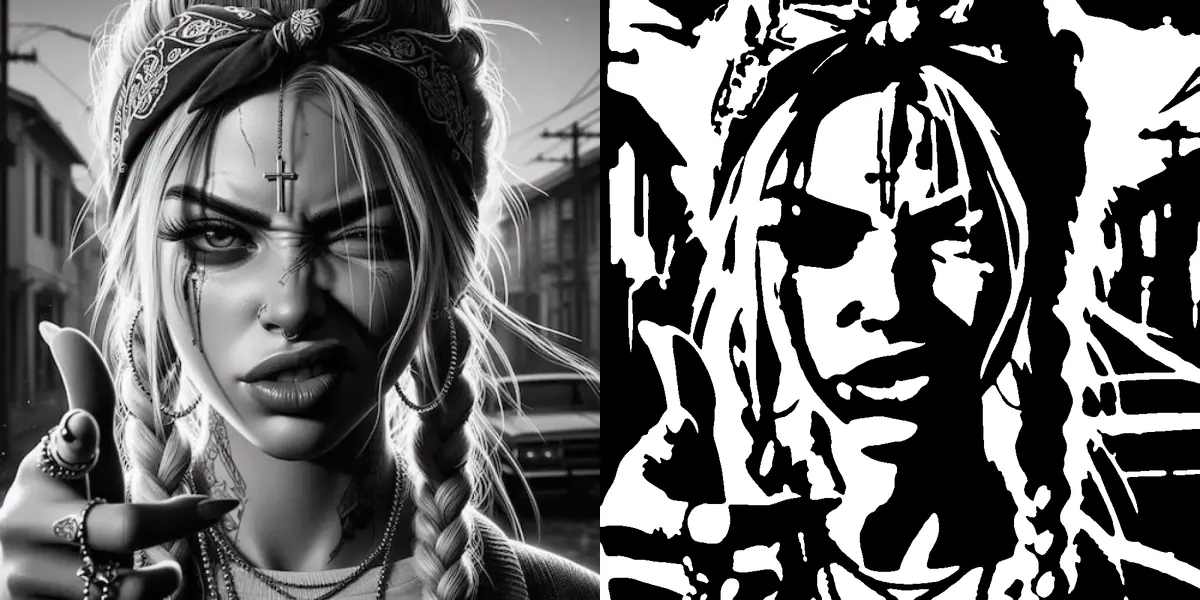
Use Solid (cut-out). Move Detail until the face or object reads with as few shapes as possible, and raise Darkness for more black.
Fix floating pieces
White shapes surrounded by black would fall out of the sheet. The tool counts them for you: add bridges (below) or simplify until the count is low.
Print, cut and spray
Print, fix the print onto your stencil material and cut out the black areas with a sharp craft knife. Spray light coats from 20 to 30 cm away.
What are stencil bridges, and how do you add them?
In a spray paint stencil you cut out the black areas. Any white shape that ends up completely surrounded by black, like the middle of an eye or the inside of the letter O, has nothing holding it to the sheet and falls out. A bridge is a thin strip of stencil material, usually 2 to 4 mm wide, that connects that island to the rest.
Add bridges before you cut: draw thin white lines across the black area around each island with a white marker on the printout, or in any paint app before you print. Bridges show up as small gaps in the paint, which most street artists either accept as part of the style or touch up with a brush afterwards.
Which stencil material should you use?
- Mylar (polyester film): reusable for hundreds of sprays, flexible enough for curved surfaces. The best choice for a stencil you’ll use again.
- Acetate or transparency film: see-through, so it’s easy to line up layers. Cracks if folded.
- Cardstock or poster board: cheap and easy to cut, fine for a few uses before the paint builds up.
- Freezer paper: for fabric. Iron it shiny side down, paint, then peel it off.
- Adhesive vinyl: sticks flat so paint doesn’t creep under the edges. Cut it by hand or on a cutting machine.
Multi-layer stencils from one photo
For more depth, make two or three versions of the same photo with different Darkness: a low setting keeps only the deepest shadows, a higher one adds the mid-tones. Cut each version as its own layer, mark the corners so they line up, and spray from the lightest colour to the darkest.
Need the paint to appear where the photo is light instead? Turn on Invert in More options for a negative stencil, for example to spray white onto a dark wall.
Frequently asked questions
How do I make a stencil like Banksy?
Start from a high-contrast photo, use Solid mode with low Detail so it reads in a few bold shapes, add bridges to any floating pieces, and cut it from Mylar or cardstock. Most of that look is a single black layer over a light wall.
Which parts do I cut out?
The black areas: that’s where the paint goes through. Turn on Invert if you want the opposite, a negative stencil.
What’s the best material for spray paint stencils?
Mylar if you’ll reuse it, cardstock for a one-off, freezer paper for fabric and adhesive vinyl when you need perfectly crisp edges.
Can I use it with a Cricut or a laser cutter?
Not as a vector file yet. Download the PNG; Cricut Design Space can upload a PNG and turn it into a cut image, and most laser software can trace a black and white image.
How do I keep paint from bleeding under the stencil?
Hold the stencil flat (a light spray adhesive helps), spray several light coats instead of one heavy one, and spray straight on rather than at an angle.
Can I use the stencils for commercial work?
Yes. We add no watermark and claim no rights. Just make sure you have the right to use the original photo.