Free stencil maker › Embroidery pattern from photo
Embroidery Pattern from a Photo
Turn a photo of a pet, a person, a flower or a place into a clean line pattern for hand embroidery. Print it, transfer it to fabric and stitch along the lines. Free, no sign-up, and nothing is uploaded.
- Free & unlimited
- No sign-up
- No watermark
- Nothing uploaded
or drag & drop it here, or paste with Ctrl+V
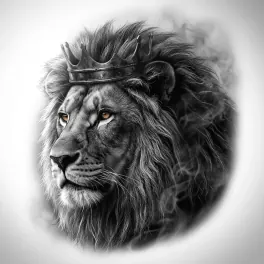
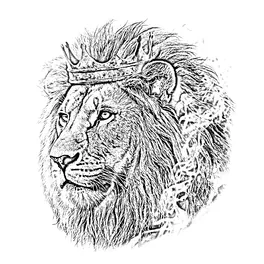
More options
Saved! For portraits, fur and shading, Stencil AI turns the same photo into clean linework and hatching.
Too sketchy? Stencil AI redraws the same photo as clean, tattoo-ready lines.
🔒 Runs in your browser. Your photo is never uploaded.
How to turn a photo into an embroidery pattern
Pick a simple photo
Flowers, pets, faces and houses work well. Crop it tight and choose a plain background: every line in the pattern becomes stitches.
Keep the lines clean
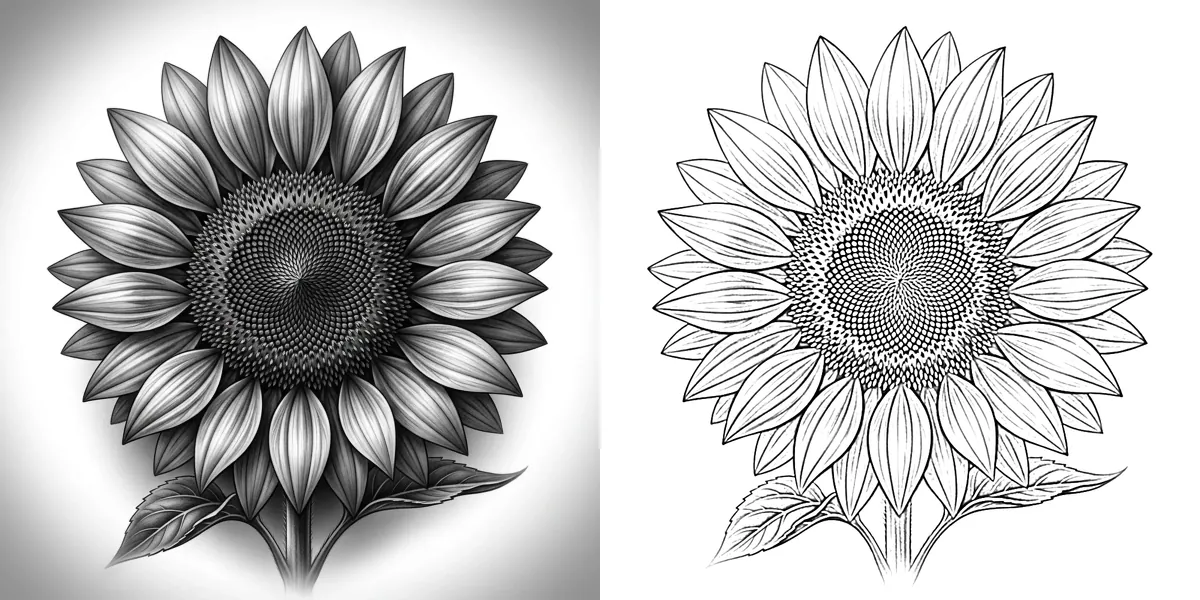
Use Lines with Detail near the bottom of the slider for outlines only. Raise it a little if you want guide lines for shading or the direction of fur.
Make the lines easy to follow
Raise Darkness under More options, or turn on Pure black & white, so faint lines don’t disappear while you trace them.
Print at hoop size
Print the pattern and check that it fits inside your hoop with 2 to 3 cm to spare on every side. Scale it in your print dialog if it doesn’t.
Transfer and stitch
Transfer the lines to fabric with one of the methods below, hoop the fabric and stitch along the lines.
Four ways to transfer an embroidery pattern to fabric
Window or lightbox: tape the printout to a bright window or a lightbox, tape the fabric over it and trace the lines with a water-soluble or heat-erasable pen. Best for light, thin fabrics like cotton and linen.
Printable water-soluble stabilizer: print the pattern straight onto sticky, water-soluble stabilizer sheets, stick them onto the fabric and stitch through them, then rinse the stabilizer away. It works on dark, thick and stretchy fabrics where tracing is hard.
Iron-on transfer pen or pencil: trace the pattern onto paper with a transfer pen, then iron it face down onto the fabric. Ironing flips the image, so turn on Mirror before you print. The lines are permanent, so stitch over all of them.
Dressmaker’s carbon paper: put it between the printout and the fabric and go over the lines with a stylus or an empty ballpoint. White or yellow carbon shows up on dark fabric.
Tips for a pattern that stitches well
- Fewer lines, better results. A pattern that looks too simple on paper often looks just right in thread.
- Backstitch or split stitch the outlines, then fill larger areas with satin stitch or long-and-short stitch.
- For pets, keep the eyes, the nose and the outline of the head, and suggest fur with a few lines in the direction it grows.
- For portraits, keep the face to its main lines: eyes, nose, mouth and jaw. Every extra line adds years.
- Test your pen on a scrap first. Heat-erasable ink can come back in the cold, and some fabrics stain.
- Tightly woven cotton or linen in a light colour is the easiest fabric to start on.
Frequently asked questions
How do I turn a photo into an embroidery pattern for free?
Upload the photo, keep Lines with a low Detail setting, then print the pattern and transfer it to fabric. There’s no sign-up, no watermark and no limit, and the photo stays on your device.
Can I make a machine embroidery file (PES, DST or JEF) here?
No. Machine embroidery needs digitizing software that turns shapes into stitch paths. If you use the free Ink/Stitch extension for Inkscape, the SVG from Solid (cut-out) mode is a good starting point for filled shapes.
Do I need to mirror the pattern?
Only for iron-on transfer pens and pencils, which flip the image when you iron it. Tracing, stabilizer and carbon paper keep it the right way round.
What size should an embroidery pattern be?
About 2 to 3 cm smaller than your hoop on every side. A 15 cm (6 inch) hoop is a good size for a first pet or flower pattern.
Which photos make the best embroidery patterns?
Sharp photos with a clear subject and a plain background. Flowers, leaves, pets and simple buildings turn into the cleanest outlines. More tips in photo to outline.
Does it work on my phone?
Yes. Open this page in your phone’s browser, take or pick a photo, then print the pattern or save it to your photos.