Free stencil maker › Photo to outline
Photo to Outline Converter
Turn any picture into a clean outline drawing: just the lines, ready to trace, color in or transfer. One slider, free, and the photo never leaves your device.
- Free & unlimited
- No sign-up
- No watermark
- Nothing uploaded
or drag & drop it here, or paste with Ctrl+V
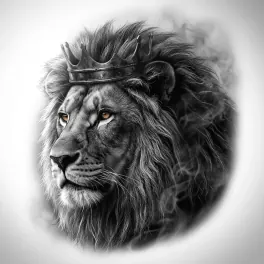
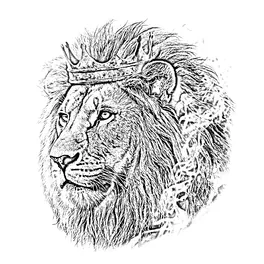
More options
Saved! For portraits, fur and shading, Stencil AI turns the same photo into clean linework and hatching.
Too sketchy? Stencil AI redraws the same photo as clean, tattoo-ready lines.
🔒 Runs in your browser. Your photo is never uploaded.
How to turn a photo into an outline
Upload a photo
Any JPG, PNG or WebP, dragged in or pasted with Ctrl+V. On a phone, take a photo or pick one from your gallery.
Slide Detail to the left
At the bottom of the Detail slider you get outlines only. Move it right to add shadow lines and texture.
Set the line weight
Under More options, Darkness makes the lines bolder and Pure black & white removes the grey for crisp printing.
Save or print
Download a full-resolution PNG or print the outline straight away.
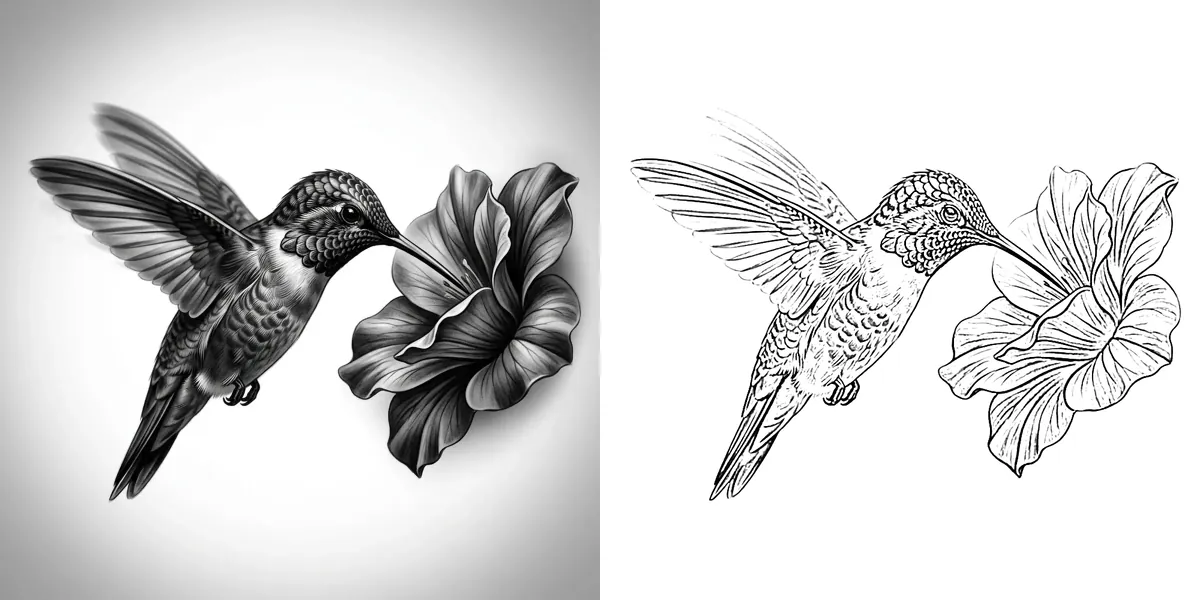
How the outline is found
Basic edge detection outlines every change in brightness, so a dark line in the photo turns into two lines, one along each side, and photo noise turns into fuzz. This converter uses the blur-and-divide method artists use in Photoshop and Procreate instead: each pixel is compared with its blurred surroundings, and only pixels clearly darker than their neighbourhood become line. You get one clean line along each edge.
The Detail slider sets the size of that neighbourhood. Small means only sharp edges count, so you get outlines; large means broad shadows count too, so you get a sketch.
What can you do with an outline?
Coloring pages
Turn family photos, pets or a favourite place into a page to color in. Pure black & white prints best.
Drawing practice
Trace the outline on a lightbox, then try drawing it freehand next to the original.
Painting
Transfer the outline to a canvas as a guide. See the stencil maker for painting.
Embroidery
Stitch along the lines. See embroidery pattern from a photo.
Wood burning and crafts
Burn, carve or engrave along the lines. See the wood burning stencil maker.
Cut-out shapes
Need filled shapes to cut instead of lines? Switch to Solid (cut-out), which also exports an SVG.
Tips for a cleaner outline
- Plain backgrounds give the cleanest result: everything behind the subject turns into lines too.
- Crop first. The tighter the crop, the bigger and clearer the subject’s lines.
- Sharp, well-lit photos outline better than dark or blurry ones.
- Too many lines? Keep Detail at zero and lower Darkness, so only the strongest edges print.
Frequently asked questions
How do I turn a picture into an outline for free?
Upload it to the converter on this page and slide Detail all the way to the left, then download the PNG or print it. No sign-up, no watermark and no limit.
Can I make a coloring page from a photo?
Yes. Make the outline with Detail at zero, turn on Pure black & white under More options, and print it.
What’s the difference between an outline and a stencil?
An outline is lines to trace or color in. A stencil can also be a cut-out sheet with holes for paint, which is what Solid (cut-out) mode makes.
How do I make the lines thicker?
Raise Darkness under More options. Printing the outline smaller also makes the lines look bolder.
Can I get the outline as a vector (SVG)?
The SVG download makes filled shapes in Solid mode. For a single-line vector, open the PNG in Inkscape (Path → Trace Bitmap) or Illustrator (Image Trace).
Is my photo uploaded?
No. The outline is made in your browser on your own device, so the photo never leaves it.